Step 1: Connect your GAMR Play Pad
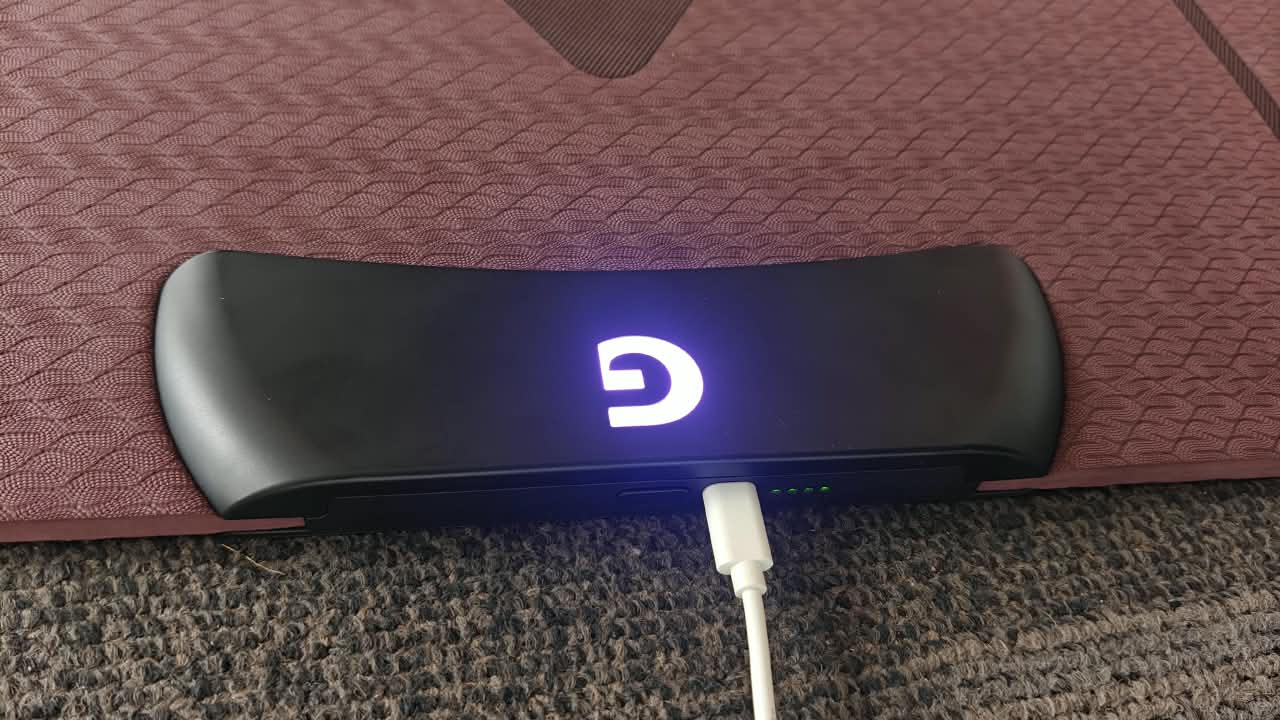
- Connect the USB-C end to the GAMR Play Pad.
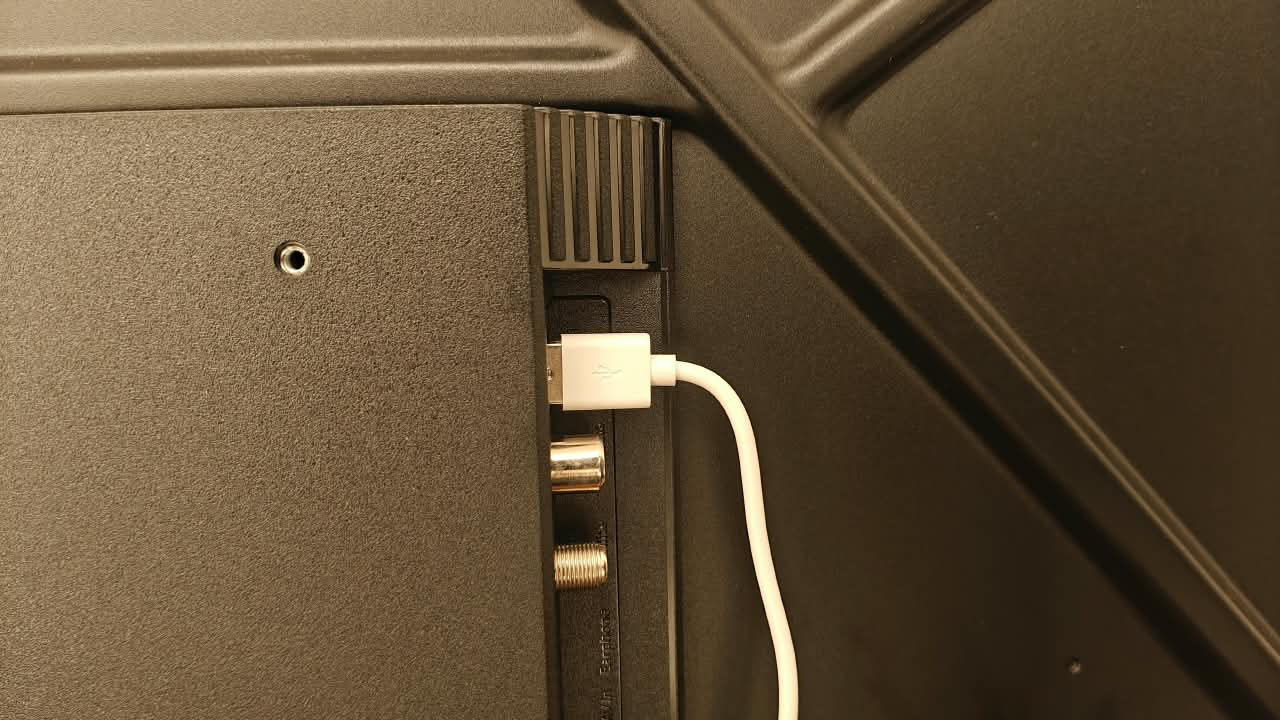
- Connect the USB-A end to the Android TV.
Step 2: Confirm the Connection
- The GAMR Play Pad will connect automatically.
- The "G" logo will glow steadily on your GAMR Play Pad indicating a successful connection.
Start Playing
Launch GAMR Universe App or Explore controller-supported games and start playing with your GAMR Play Pad.
Was this article helpful?
That’s Great!
Thank you for your feedback
Sorry! We couldn't be helpful
Thank you for your feedback
Feedback sent
We appreciate your effort and will try to fix the article